.avif)

Blog Summary
- What a virtual bookkeeping service is
- How it differs from software alone
- Why UK firms use virtual bookkeeping instead of hiring in-house
- What to check before you pick a provider
INTRODUCTION
It is 4 April. Your bookkeeper hands in her notice. Client year ends do not wait for you to hire.
You know the maths already. A good bookkeeper takes 6 to 10 weeks to find in the UK. Meanwhile, 40 sets of books sit untouched.
This is why more UK practices now use virtual bookkeeping services. They skip the hiring wait. A virtual bookkeeping service gives you a dedicated remote bookkeeper. They work inside your current software. You pay one fixed fee each month.
This guide covers what virtual bookkeeping services are. It covers why firms like yours use them. It covers when to bring one in, how the work actually flows month to month, and what to check before you pick a provider.
What Is a Virtual Bookkeeping Service?
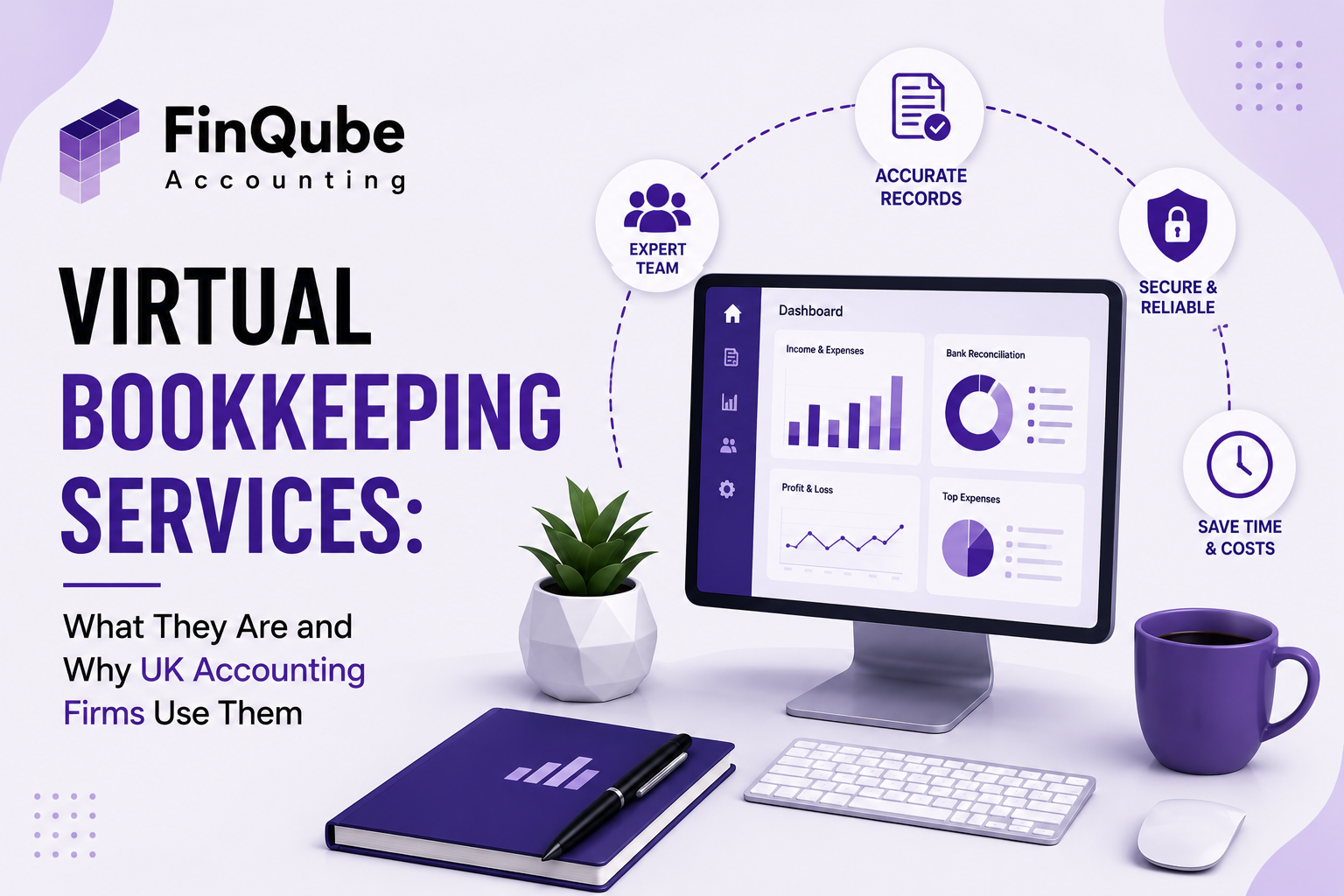
A virtual bookkeeping service is a remote bookkeeper. They handle your client records from outside your office.
They work inside the software you already use. There is no new portal. There is no re-typing of data.
For a UK firm, this often means one bookkeeper is set on your files. That person handles bank reconciliation and coding. They also handle invoices, bills, and month-end work. The output lands in Xero, QuickBooks, Sage, FreeAgent, or any other software your firm uses.
This is not the same as buying bookkeeping software. Software gives you the tool. A virtual bookkeeping service gives you the person who uses it right. They do this every month. You do not manage them.
The term overlaps with outsourced bookkeeping. Both describe a remote team doing this work for your practice, on your files, inside your own software.
Table 1: What a Virtual Bookkeeping Service Actually Covers
Why Do UK Accounting Firms Use Virtual Bookkeeping Services?
UK firms use virtual bookkeeping services to add capacity fast. There is no new payroll cost. There is no new desk to find.
Hiring is slow and costly. A local bookkeeper can take two months to find. They might still leave within a year.
Virtual bookkeeping solves a different problem. Your client load does not always match your team size. According to GOV.UK business population estimates, there were 5.45 million small businesses in the UK at the start of 2024. That is 99.2% of all UK businesses. Most need bookkeeping help. Most cannot justify one full-time hire either.
A virtual bookkeeping service scales with you. You add help for busy months. You scale back after, with no awkward conversations.
Who Should Use a Virtual Bookkeeping Service?
Any UK firm with 20 or more client files, and no dedicated bookkeeping team, should look at a virtual bookkeeping service.
This includes firms that struggle around VAT quarters and year ends. It also includes firms that want to move into advisory work but are stuck doing bookkeeping themselves.
Sole practitioners and small firms of 2 to 20 staff gain the most. They rarely have spare hours to take on a new client without turning work away or working weekends.
Larger firms use virtual bookkeeping differently. They use it to flex around one sector, such as construction or hospitality clients with tricky CIS or stock needs.
Firms that have just won a block of new clients also fit this group. A sudden jump in file volume is hard to staff for on short notice. A virtual bookkeeper can start within weeks, not months.
When Should a Practice Bring In a Virtual Bookkeeper?
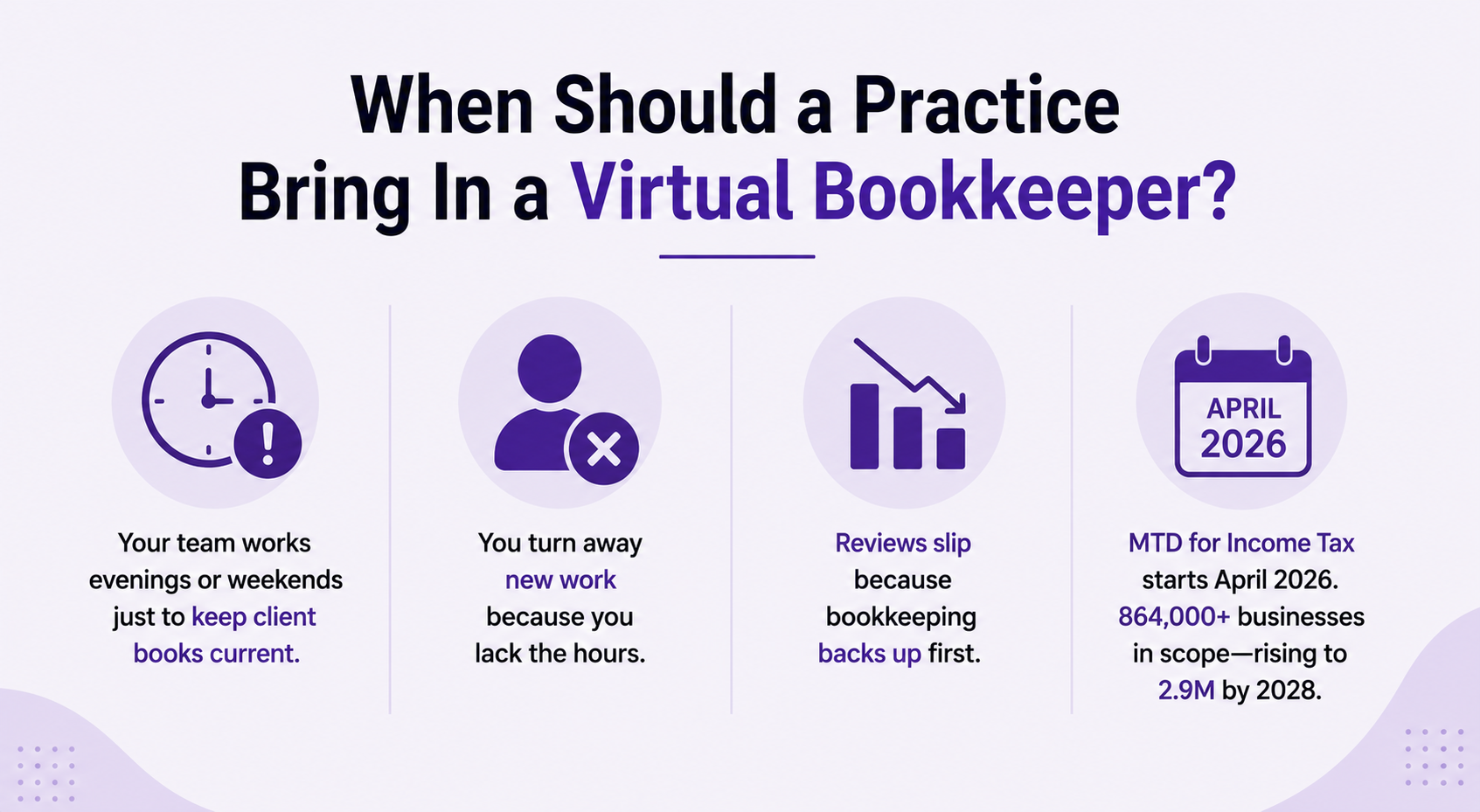
Bring in a virtual bookkeeper when your team works evenings or weekends just to keep client books current.
Other warning signs: you turn away new work because you lack the hours. Or your reviews slip because bookkeeping backs up first.
The run-up to Making Tax Digital for Income Tax is another trigger. From April 2026, self-employed people and landlords who earn over £50,000 must use MTD. GOV.UK figures on MTD for Income Tax show around 864,000 businesses sit in that first band alone. That number grows to 2.9 million once the threshold drops to £20,000 by 2028. That is a lot more work for firms still doing bookkeeping by hand.
Where Does Virtual Bookkeeping Fit Into Your Existing Software?
Virtual bookkeeping fits inside the software your firm already runs. It does not replace your tech stack.
A good virtual bookkeeping service works inside Xero, QuickBooks, Sage, FreeAgent, or any other software your clients use. Your bookkeeper logs in through your firm's own access. They follow your existing chart of accounts.
This matters for control. Your client data does not move to some outside platform you cannot see. It stays inside the software your team and clients already trust. ICAEW guidance on accounting in the UK sets out the standards any provider working on your files should meet.
How Does Virtual Bookkeeping Actually Work?
A virtual bookkeeping service runs on a set monthly cycle. Four steps repeat: collect, reconcile, review, report.
Your bookkeeper pulls transactions from bank feeds and receipts. They code each one to your chart of accounts. Then they reconcile every account. They flag anything odd. They prepare the file for review.
Table 2: A Typical Monthly Virtual Bookkeeping Cycle
Your team stays in touch through whatever tool you already use. That might be email, Slack, or your practice software. There is no new system to learn. Xero's own bookkeeping guide sets out a similar cycle for businesses managing their own books, which is useful background if you want to compare workflows.
What to Look for in a Virtual Bookkeeping Provider
Check three things before you sign with any virtual bookkeeping provider: who does the work, how they price it, and how they catch errors.
Ask who your named contact will be. Some providers rotate staff across a shared pool. You end up explaining your client files again each month. A named, dedicated bookkeeper avoids this.
Ask how pricing works. Hourly billing sounds flexible, but the bill moves with every busy month. A fixed monthly fee is easier to budget against and easier to pass on to your own clients.
Ask what happens before a file reaches you. Some providers rely only on a human check. Others run an automated review first, which catches common errors like unreconciled accounts before a person looks at the file at all.
Ask how the provider handles your software. A provider who works inside your existing Xero, QuickBooks, Sage, FreeAgent, or any other software saves you a migration. A provider who insists on their own platform adds one more system for your team to manage.
Finally, ask about contract length. A provider confident in their own work will not need to lock you into a year to keep you. Xero's guide to hiring a bookkeeper covers similar questions worth asking, whether you hire in-house or go virtual.
Table 3: Five Questions to Ask a Virtual Bookkeeping Provider
Virtual Bookkeeping vs Traditional and In-House Bookkeeping
Table 4: Comparing Your Options for Client Bookkeeping Capacity
However, price should not be your only test. A cheap hourly rate that takes longer to review, or swaps your bookkeeper without warning, costs you more in partner time. If you are weighing this against keeping bookkeeping in-house, our guide to bookkeeping outsourcing walks through the full cost comparison.
REAL SCENARIO SECTION
Ashcroft & Partners is an 11-person firm in Leeds. They serve 180 small business clients.
Before they used virtual bookkeeping, two in-house bookkeepers managed 90 client files each. VAT quarters meant regular weekend work. One bookkeeper quit after a hard peak season.
The firm tried to hire a replacement first. The role stayed open for nine weeks. Client files piled up. Two reviews missed HMRC deadlines.
The managing partner then brought in a dedicated virtual bookkeeper. This person worked inside the firm's own Xero and QuickBooks setup. They took on 45 backlogged files in the first month.
By the second VAT quarter, review time dropped from five days to under two. The firm has since added a second virtual bookkeeper for its construction clients. They did not open another in-house hiring round.
HOW FINQUBE CAN HELP
FinQube gives your firm one dedicated virtual bookkeeper. Not a shared pool that changes each month.
Your bookkeeper works inside your existing Xero, QuickBooks, Sage, FreeAgent, or any other software. There is no data move and no new platform for your team to learn.
Every file goes through our proprietary AI review before your partner sees it. It flags reconciliation mismatches, unpaid invoices and bills, and common errors on its own. So your review confirms clean work. You do not hunt for the mistakes yourself.
Pricing is fixed and monthly, agreed after a short scope call. There is no hourly billing and nothing hidden on the invoice. There is no minimum term. You are not locked into a year-long contract just to test the fit.
For firms with contractor or IR35-sensitive work, our setup is a services agreement, not labour supply. This keeps the relationship clean from a compliance view.
If you want to compare providers before you decide, our roundup of outsourced bookkeeping services uk sets out what to check beyond price.
Ready to see it working on a real file? Book a short scope call. We will show you how a dedicated FinQube bookkeeper would handle your current backlog, inside your own software, with no minimum commitment.
CONCLUSION
Virtual bookkeeping services solve a problem hiring cannot fix fast enough. A dedicated remote bookkeeper works inside your own software for one fixed fee, with no hiring wait. MTD for Income Tax will bring more businesses into scope for clean, MTD-ready records. Firms with flexible bookkeeping capacity will handle that growth better than firms that rely on hiring alone. Book a scope call to see how a dedicated bookkeeper would work on your own client files.
One month. No contract.
See how a dedicated Finqube accountant fits into your MTD workflow before you decide.
Start your free pilotFAQ
What is a virtual bookkeeping service?
A virtual bookkeeping service is a remote bookkeeper. They handle bank reconciliation, coding, and reporting. They work inside your own software.
How much do virtual bookkeeping services cost in the UK?
Cost depends on the provider and on how many files you need managed. Some bill by the hour. Others offer one fixed monthly fee after they review your file volume.
Is virtual bookkeeping safe for client data?
Yes, when the provider works inside your own software with your own access controls. Your data does not move to some new, unfamiliar platform.
Can a virtual bookkeeper work with Xero, QuickBooks, or Sage?
Yes. A well set up virtual bookkeeping service works inside your own software. This includes Xero, QuickBooks, Sage, FreeAgent, or any other software.
What is the difference between virtual bookkeeping and outsourced bookkeeping?
The two terms mean almost the same thing. Both describe a remote bookkeeper or team who manages your books. "Outsourced" sometimes points to a larger, offshore team.
How quickly can a practice start using a virtual bookkeeping service?
Most providers, including FinQube, can have a dedicated bookkeeper on your files within one to two weeks of a scope call.
Do I need a contract to use a virtual bookkeeping service?
It depends on the provider. Some ask for a year-long contract. FinQube works on a fixed monthly fee with no minimum term.