
.png)
.avif)

Blog Summary
- What Xero Practice Manager actually does, and does not do, for a UK practice
- Why firms already inside the Xero ecosystem adopt it, and where the trade-offs start
- The specific gaps UK practices hit around compliance automation, client portals, and reporting
- How outsourcing day-to-day delivery work compares to buying another software layer
Introduction
Every UK practice owner asks the same question eventually. Do we need another piece of software? Or do we need someone actually doing the work inside the software we already have?
Xero Practice Manager sits in the first camp. It is a capable job tracking and billing tool for firms committed to Xero. But it will not touch your review backlog. It will not solve your capacity problem. It will not clear your client onboarding queue.
This guide covers what XPM does well. It covers where UK firms hit friction. And it covers how XPM fits, or does not fit, alongside a dedicated delivery team. By the end, you should know exactly which problem XPM solves for your practice, and which problem it leaves untouched.
What Is Xero Practice Manager?
Xero Practice Manager, often shortened to XPM, is Xero's cloud-based practice management tool. It handles job and task assignment, time tracking, billing, and reporting, all from inside the wider Xero ecosystem.
XPM shares a single client record with Xero HQ. A change made in one system shows up in the other. For firms already running client accounts on Xero, or any other software, that native sync removes a layer of duplicate data entry that a bolt-on tool cannot fully replicate.
The tool covers three core areas. Job management, with recurring templates for compliance work. Time tracking, which feeds directly into invoicing. And reporting on staff utilisation and work in progress.
Why Do UK Firms Adopt XPM?
Firms adopt XPM for two reasons. It sits inside the ecosystem they are already paying for. And it becomes free once a practice reaches Xero's silver partner status.
For a firm that has standardised on Xero, or any other software, adding a practice management layer from the same vendor removes an integration decision entirely. There is no API to maintain. No sync to troubleshoot. Staff already know the interface.
According to reviews on the Xero App Store, firms with three or more staff and over 200 clients see the most value from XPM's job visibility and time tracking. Manual tracking stops scaling well before that size.
Cost matters too. A firm with Xero partner status gets XPM at no additional licence fee. That is a real saving against paid alternatives that charge per user, per month.
Who Is XPM Actually Built For?
XPM is built for firms fully committed to the Xero ecosystem. Firms where time-based billing and work-in-progress tracking sit at the centre of how the practice operates.
If your clients mostly run on Xero, or any other software, and you are not planning to diversify your platform stack, XPM's bidirectional sync is a genuine advantage. It suits practices comfortable investing time in configuration. Users describe the tool as needing proper setup. It does not work well straight out of the box.
It is a weaker fit for firms wanting a built-in client portal for document exchange. It is also weaker for practices that prefer to roll out new tools gradually, rather than configure everything upfront.
When Does XPM Stop Being Enough?
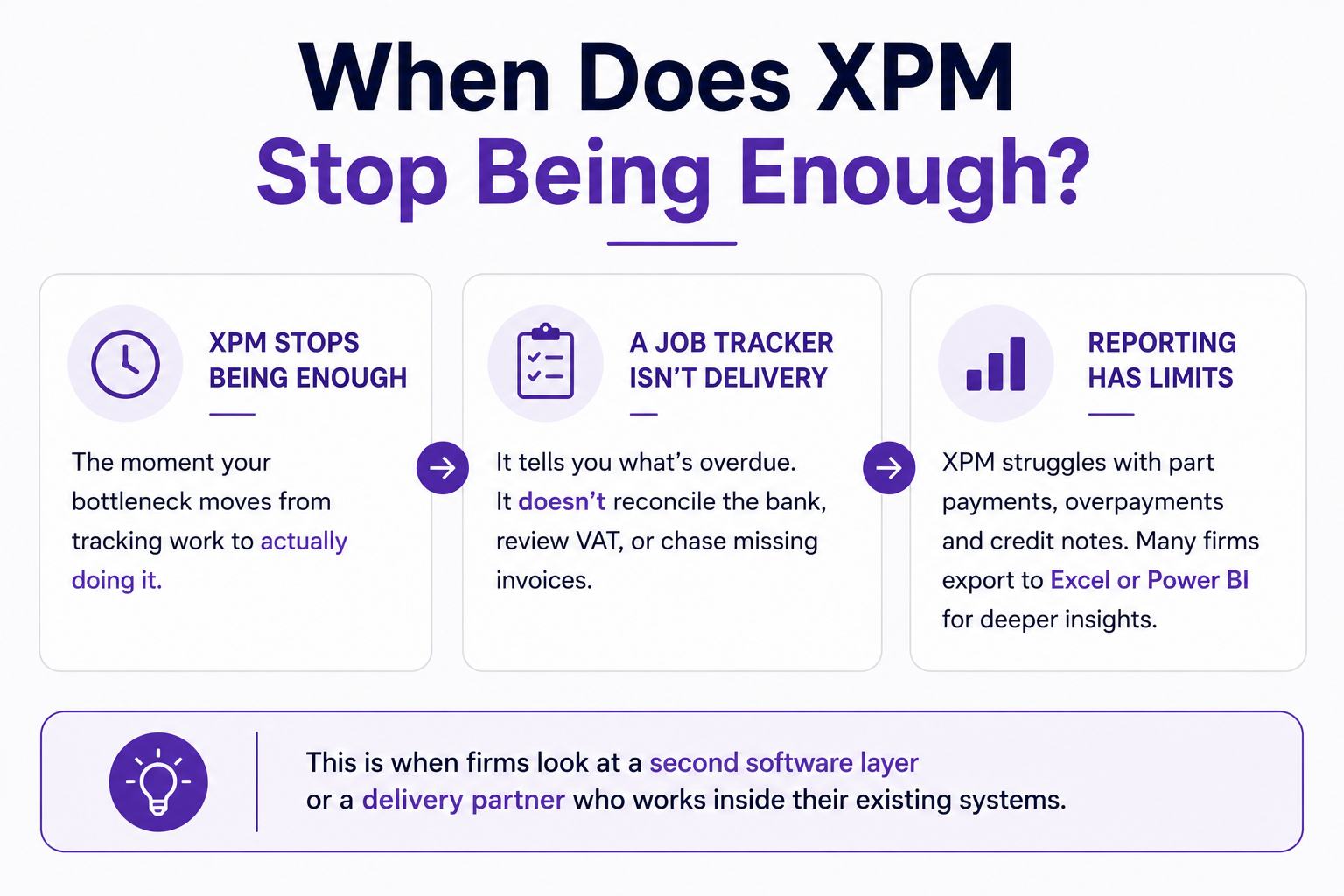
XPM stops being enough the moment your bottleneck moves from tracking work to actually doing it.
A job tracker tells a partner what is overdue. It does not reconcile the bank account. It does not review the VAT return. It does not chase the missing supplier invoice. Firms that adopt XPM expecting it to solve a capacity problem are often disappointed within a quarter. The delivery work still needs hands, regardless of how visible it is on a dashboard.
Independent reviews also flag real limits in XPM's reporting. Debtor and receivable reporting struggles with part payments, overpayments, and credit notes. Many firms end up exporting data into Excel or Power BI for anything beyond a basic view.
This is the point where practices typically start looking at either a second software layer, or a delivery partner who works inside the systems they already have.
Where Does XPM Fall Short for UK Compliance?
XPM falls short on UK-specific compliance automation. It does not pull deadlines directly from Companies House or HMRC. Confirmation statement dates and filing deadlines rely on manual setup, or a third-party add-on.
For a UK practice managing Making Tax Digital obligations, this is a meaningful gap. MTD for Income Tax mandation extends through 2026 and 2027 for a wider band of taxpayers, according to GOV.UK guidance. Firms need a reliable way to track which clients fall into which quarter. XPM was not designed as that system of record.
Firms serious about UK compliance automation typically pair XPM with a separate tool for AML checks and deadline tracking. That adds cost. It adds another login to manage. It does not reduce either.
How Do You Decide If XPM Is Right for Your Firm?
Decide based on where your actual constraint sits. If the constraint is visibility into who is working on what, XPM, or any other software in this category, will help. If the constraint is that the work itself is not getting done fast enough or accurately enough, no job tracker fixes that.
Ask three questions before signing up for another tool. First, is your team already Xero-native, or are some clients on QuickBooks, Sage, FreeAgent, or any other software? Second, do you need UK-specific compliance automation built in, or are you comfortable managing that separately? Third, is your real bottleneck tracking the work, or delivering it?
The third question is the one most firms skip. It is easy to buy a tool that makes the problem more visible. It is much harder to admit the visible problem was never a software problem in the first place.
What Setup Actually Looks Like
Firms considering XPM often underestimate the setup time involved. Vendor guidance and user reviews consistently point to a proper configuration phase, not a quick plug-and-play rollout.
Typical setup covers a few distinct stages. Mapping your existing job types into XPM's templates. Setting billing rates per staff member and per client. Migrating any historical job data you want visible going forward. And training staff on time entry habits, since the reporting is only as accurate as what gets logged daily.
Firms that rush this stage tend to end up with a tool nobody trusts. If time entries are inconsistent in month one, the utilisation and WIP reports built on top of them stay unreliable for months afterwards. Treating setup as a proper project, rather than a weekend task, pays off later in report accuracy.
XPM vs Outsourcing the Work Itself
Software and delivery capacity solve different problems. Firms often compare them as if they were substitutes. The table below sets out where each option actually sits.
The honest takeaway is that these are not competing purchases. A firm can run XPM for job visibility and still have a capacity problem underneath it. Software tracks the work. It does not do the work.
Real Scenario: Priya Shah, Shah & Co Accountants
Priya Shah runs a nine-person practice in Leeds. She had used Xero Practice Manager for two years, and it did exactly what it promised. Every job had an owner. Every deadline showed up on the dashboard. Billing was faster than the spreadsheet system it replaced.
The problem sat underneath the dashboard. Jobs were visible, but they were still late. Her team of five could not physically get through 40 to 50 monthly bookkeeping and VAT jobs without something slipping. XPM told her exactly which files were behind. It could not do anything about why they were behind.
Priya brought in a dedicated Finqube accountant to work inside her existing Xero setup, or any other software her clients used, handling bookkeeping and VAT prep directly in the systems her team already had access to. XPM stayed exactly as it was for job tracking and billing.
Within six weeks, her overdue job count on the XPM dashboard dropped by more than half. Not because the software changed. Because there was finally enough delivery capacity to clear the backlog the dashboard had been flagging all along.
How Finqube Fits Alongside Whatever Software You Run
Finqube does not replace Xero Practice Manager. It does not ask you to change your tech stack. A dedicated Finqube accountant or team works directly inside the systems you already run, whether that is Xero, QuickBooks, Sage, FreeAgent, or any other software, alongside whatever practice management tool sits on top.
Every Finqube engagement includes structured review support. This gives you a live view of the work your accountant is completing before it reaches your desk. Reconciliation mismatches, outstanding AP and AR items, and common preparation errors get flagged before a file reaches your review. What lands in your queue is already clean.
That review layer works whether your job tracking sits in XPM or in a spreadsheet. It is about the delivery work being right, not about replacing the tool that tracks it.
You can explore how the engagement models work, from a single dedicated accountant through to a full team, on our engagement models page. Or find out more about our bookkeeping and accounts finalisation support.
Conclusion
Xero Practice Manager is a strong choice for firms fully committed to Xero, and it earns its place once a practice has enough staff and clients for manual tracking to break down. What it will never do is deliver the underlying work faster or more accurately.
If your real constraint is visibility, XPM is worth the setup time. If your real constraint is capacity, no job tracker will fix that on its own. Many firms need both: a tool that shows where the work stands, and a team that actually clears it.
Book a call to talk through where your practice's real bottleneck sits. There is no minimum commitment attached.
One month. No contract.
See how a dedicated Finqube accountant fits into your MTD workflow before you decide.
Start your free pilotFAQ
Is Xero Practice Manager free?
XPM becomes free once a firm reaches Xero's silver partner status. Below that tier, it is a paid add-on within the Xero partner programme.
Does Xero Practice Manager work with QuickBooks or Sage clients?
XPM integrates natively with Xero. For clients on QuickBooks, Sage, FreeAgent, or any other software, the sync advantage disappears. The tool functions more like a generic job tracker.
How many staff does a firm need before XPM makes sense?
Reviews and vendor guidance generally point to firms with three or more staff and over 200 clients as the size where XPM's job visibility and time tracking start paying for themselves.
Does XPM handle UK compliance deadlines automatically?
No. Companies House confirmation statement dates and HMRC filing deadlines require manual setup, or a third-party integration, rather than pulling automatically from those systems.
What is the biggest limitation of XPM for growing firms?
Debtor and receivable reporting is the most commonly cited weakness, particularly around part payments, overpayments, and credit notes. This often pushes firms to export data elsewhere for accurate reporting.
Can outsourcing replace the need for a practice management tool like XPM?
No, they solve different problems. XPM tracks who is doing what and by when. Outsourcing adds the capacity to actually get the work done. Most firms benefit from both running alongside each other.
How quickly can a firm add delivery capacity without changing its software stack?
With Finqube, a dedicated accountant or team can typically start working inside your existing systems within one to two weeks of onboarding, with no change to whatever practice management or accounting software you already run.
Do we need to migrate data if we start using Finqube alongside XPM?
No. Finqube works inside your existing accounting and practice management setup from day one. There is no requirement to move data or change how your team currently tracks jobs.